
Key Takeaways
- An AI PC can automate routine tasks by learning user habits and preferences.
- AI-powered features help improve productivity with less manual input.
- Performance and battery usage can be adjusted automatically in the background.
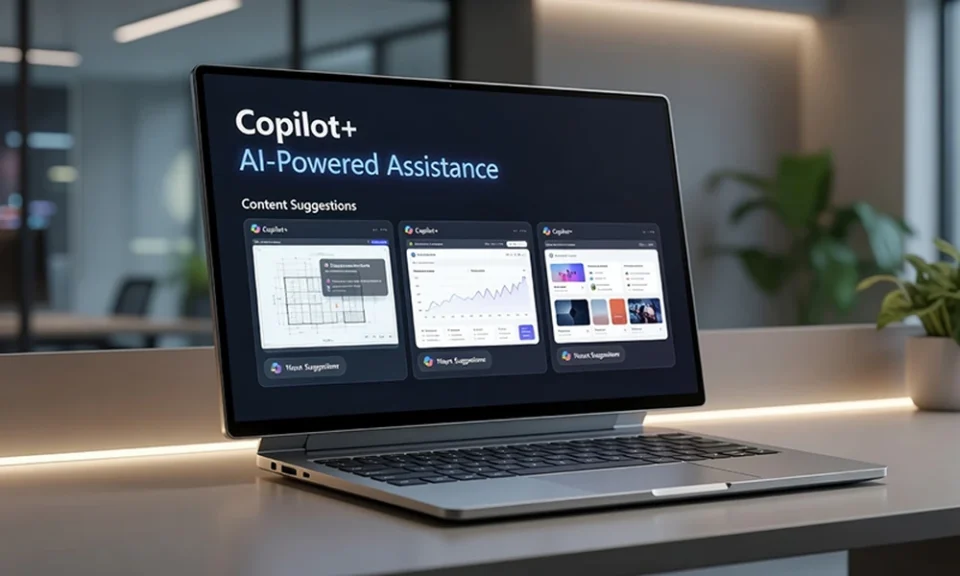
- A Copilot+ PC can provide contextual assistance based on ongoing activities.
- Proactive AI support helps users spend less time on administrative tasks.
Introduction
Computers have traditionally depended on users to initiate actions, whether opening applications, searching for files, or adjusting settings. Today, an AI PC is designed to go beyond simple command-based interactions. By using dedicated AI processing capabilities, these devices can analyse behaviour patterns, understand context, and perform useful tasks automatically. A Copilot+ PC extends these capabilities further by integrating AI assistance into everyday workflows. Instead of waiting for instructions, these systems can often predict what users need and provide support before a request is made.
1. Automatically Organising Your Files
Managing digital files can become difficult as documents, presentations, emails, and spreadsheets accumulate over time. Searching for information often consumes valuable working hours, particularly when files are stored across multiple locations.
An AI PC can help by analysing file usage patterns and relationships between documents. Frequently accessed files can be prioritised in search results, while related content may be grouped together automatically. Rather than relying entirely on folder structures and manual organisation, users can find information more quickly through intelligent search capabilities. This reduces administrative effort and helps maintain a more organised digital workspace without constant intervention.
2. Preparing for Meetings Before They Start
Meetings require preparation, and gathering relevant documents beforehand can be time-consuming. Users often need to locate notes, previous conversations, presentations, and project updates before joining discussions.
A Copilot+ PC can assist by identifying relevant information connected to upcoming meetings. The system may surface related files, recent communications, and project materials based on calendar events and work patterns. Instead of manually searching through folders or email threads, users can access important resources more efficiently. This proactive support helps improve meeting readiness while reducing preparation time.
3. Optimising Performance and Battery Life
Many users only notice performance issues once applications become slow or battery life begins to decline. Traditional computers generally depend on manual adjustments or troubleshooting after problems appear.
An AI PC can continuously monitor system activity and make intelligent decisions about resource allocation. Applications that require more computing power can receive priority, while less important background processes can be limited. The system can also identify activities that consume excessive battery power and adjust settings automatically. These ongoing optimisations help maintain smoother performance and improve overall efficiency throughout the working day.
4. Strengthening Security Through Continuous Monitoring
Cybersecurity threats continue to evolve, making proactive protection increasingly important. Traditional security tools often focus on detecting known threats, but AI adds another layer of defence.
A Copilot+ PC can analyse behaviour patterns and identify unusual activity that may indicate a potential security issue. Examples include unexpected login attempts, unfamiliar application behaviour, or suspicious access to sensitive files. By recognising anomalies quickly, the system can alert users or trigger protective actions before problems escalate. This continuous monitoring helps strengthen security while reducing the need for constant manual oversight.
5. Providing Contextual Assistance During Work
One of the most practical advantages of AI-powered computing is contextual assistance. Instead of waiting for users to ask questions or search for information, AI can anticipate needs based on current activities.
For example, an AI PC may suggest documents related to an ongoing project, recommend actions based on previous work habits, or provide summaries of lengthy content. A Copilot+ PC can also assist with drafting content, retrieving information, and streamlining repetitive tasks. These capabilities help users remain focused by reducing interruptions and minimising the time spent switching between applications.
Conclusion
An AI PC is designed to do more than respond to commands. By organising files, preparing meeting resources, optimising performance, strengthening security, and providing contextual assistance, it can support users before they even ask for help. A Copilot+ PC enhances these capabilities through advanced AI processing that works in the background. As AI technology becomes increasingly integrated into personal computing, proactive assistance is likely to become a standard part of everyday work.
Contact Harvey Norman Singapore to discover how intelligent computing can help you work smarter, reduce repetitive tasks, and enhance efficiency across your daily workflow.
