
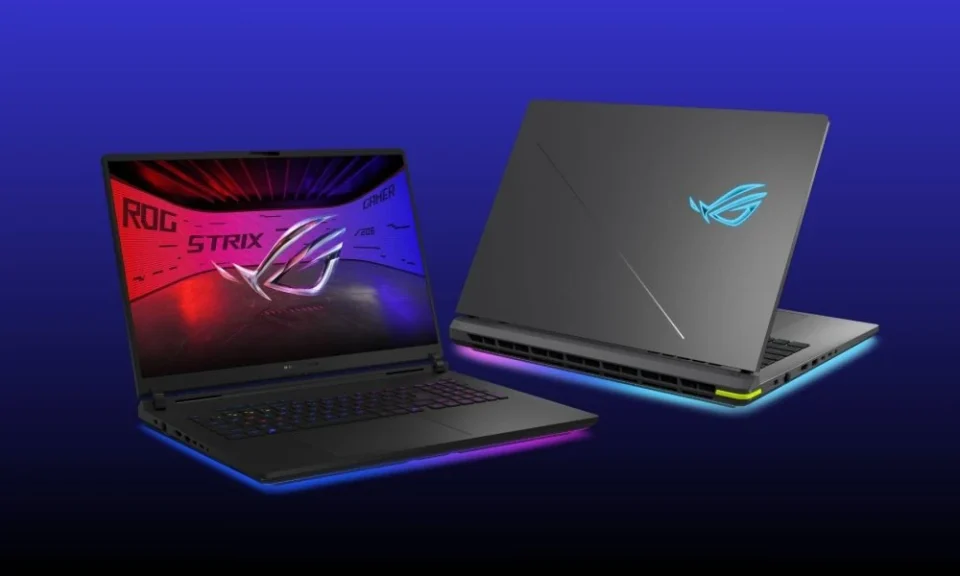
Selecting a suitable gaming computer requires more than comparing prices and attractive designs. Buyers must evaluate processing power, graphics capabilities, memory, storage, and cooling efficiency to find equipment that meets their requirements.
This practical buying guide provides essential specifications, comparison criteria, and budgeting tips to help buyers identify the bester gaming laptop for their needs without unnecessary spending.
Section 1: Budget Planning and Core Specifications
Q: How should buyers establish a realistic gaming laptop budget?
A: Start by determining your spending limit and identifying the applications or games you intend to run. Entry-level models can support everyday tasks and lighter games, while higher-priced systems generally offer stronger graphics and processing capabilities. Compare specifications rather than selecting a model based on appearance or promotional discounts alone.
Q: Which processor features should buyers compare before purchasing?
A: Processor performance influences multitasking, application responsiveness, and gaming efficiency. Examine processor generations, core counts, and performance benchmarks before making a decision. A modern processor with suitable performance capabilities can support demanding games and productivity applications without requiring an unnecessarily expensive configuration.
Section 2: Memory, Storage, and Display Quality
Q: How much memory is appropriate for modern gaming?
A: Sixteen gigabytes of RAM is a practical starting point for many modern gaming setups. Thirty-two gigabytes provides additional capacity for demanding applications, extensive multitasking, and resource-intensive workloads. Buyers should also check whether memory upgrades are supported.
Q: Which display features influence the gaming experience?
A: Resolution affects image sharpness, while refresh rate influences motion smoothness. Brightness and panel quality also matter when using the computer in different lighting conditions. Compare these specifications alongside graphics performance to maintain a balanced configuration.
Section 3: Cooling, Battery Life, and Build Quality
Q: Why should cooling systems be checked before purchasing?
A: Effective cooling helps manage heat during extended gaming sessions. Examine ventilation design, fan performance, and available reviews to understand thermal behaviour. Poor heat management can cause performance reductions under sustained workloads.
Q: Which additional features deserve attention?
A: Check battery expectations, keyboard quality, hinge construction, warranty coverage, and upgrade options. Gaming laptops often consume considerable power during intensive tasks, so battery performance may differ significantly between everyday use and gaming.
Section 4: Final Buying Checklist
Q: How can buyers select the right model confidently?
A: Compare several models within your budget and prioritise essential specifications. The bester gaming laptop should provide suitable processing power, capable graphics, sufficient memory, reliable cooling, and adequate storage for your intended workload.
